Print on Demand Software: 10 Tools Worth a Look
Most roundups start by telling you to find the one best print on demand software and build everything around it. I don't think that's useful advice, because the tools below don't do the same job.
Some help you decide what's worth publishing. Trendlytic sits there, in research before you design. Others, like Printful or Printify, produce and ship an order after someone buys. Marketplaces such as Amazon Merch and Redbubble decide where the product lives and who might find it.
Mixing those three jobs up leads to odd comparisons. A research tool can't fix a misprint. A fulfilment company won't find your traffic for you. A marketplace won't give you the control of your own store.
That split matters commercially too, not just practically. Mordor Intelligence estimates quoted in Grand View Research's print on demand market report put the market at USD 12.15 billion in 2025, with software platforms accounting for 69.65% of market share in 2025.
I've kept the notes below practical. Costs, limits, and who still has to do the work. If you're comparing broader tools for print on demand marketplaces, start by asking which job you're hiring software to do.
Table of Contents
- 1. Trendlytic
- 2. Printful
- 3. Printify
- 4. Gelato
- 5. Gooten
- 6. Prodigi
- 7. Apliiq
- 8. Fourthwall
- 9. Amazon Merch on Demand
- 10. Redbubble
- 10 print on demand software tools at a glance
- How to Pick Your Stack and What I'd Actually Do
1. Trendlytic
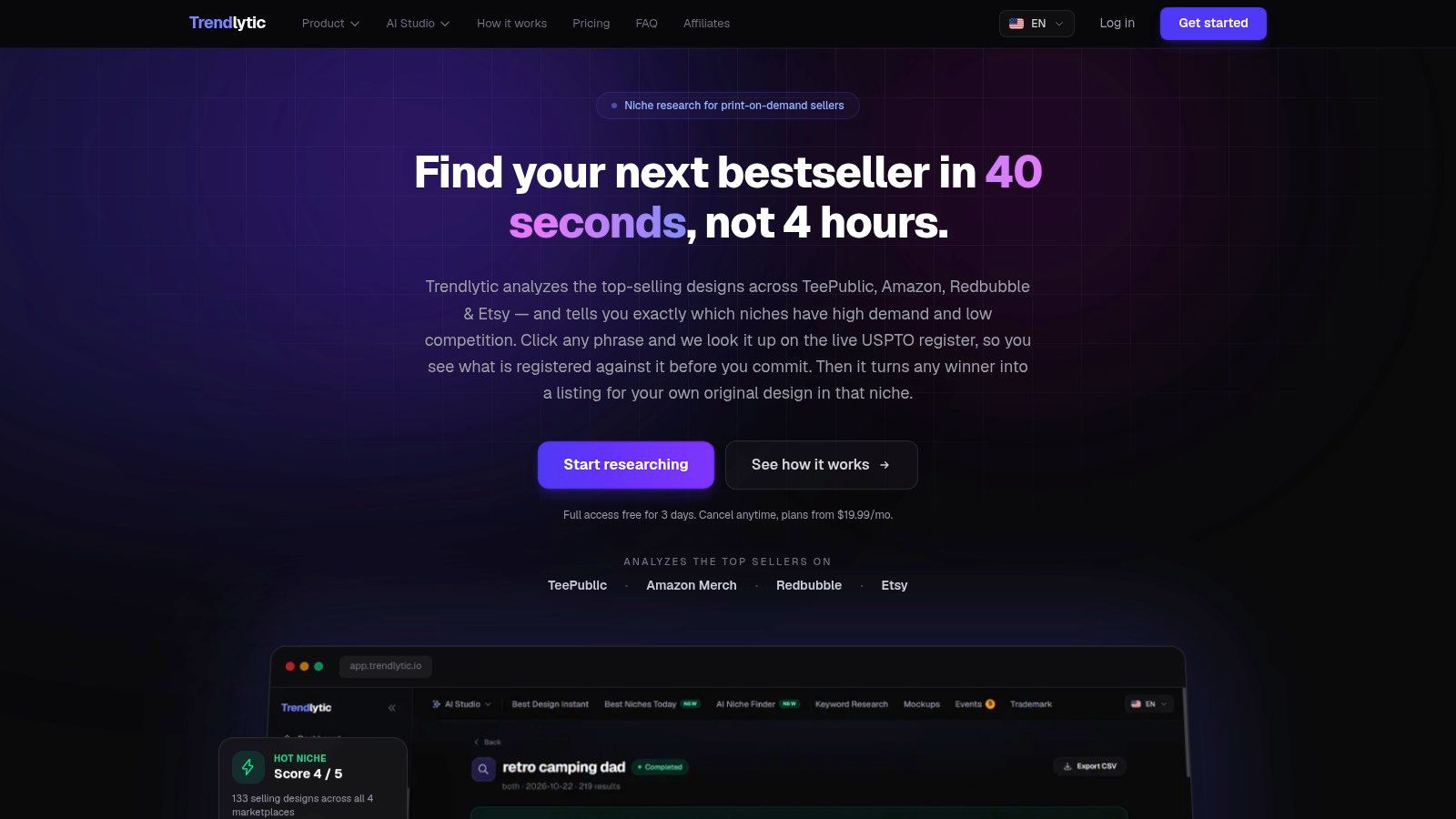
Trendlytic is the odd one out at the top of this list, and I mean that as a compliment. It doesn't print anything. It helps you decide what to publish before you spend an evening on artwork nobody wanted.
Type in a niche and it analyzes live bestseller data across Amazon Merch, Etsy, Redbubble, and TeePublic in roughly 40 seconds. The store-first approach pulls each seller's top-performing designs rather than dumping generic keyword results on you. That matters, because most older research tools showed what people searched for, not what people actually bought.
What you actually get back
Reports show demand, competition, an opportunity rating, and related niches, alongside design images, tags, and prices. Hourly trend updates, Rising badges, keyword research, and AI niche discovery help you spot movement instead of only last month's winners.
Two extras sit inside the same subscription. An AI listing generator drafts a fresh slogan, a ready-to-paste design prompt, a title, a description, and keywords formatted for each marketplace, and it never reuses the artwork or slogan it gives you. A mockup generator places one uploaded design across 500+ t-shirt photos, downloadable as JPG or PNG without watermarks.
The built-in check covers more than 850,000 USPTO trademarks, flagging registered phrases, owners, and expiry details. I'd treat that as a first filter, not clearance.
A clean result on one exact phrase doesn't mean you're safe. Sound-alike wording, titles, tags, and brand fields can still create a problem.
That caution matches USPTO federal trademark searching guidance, which says marks can be confusingly similar when they look alike, sound alike, have similar meanings, or create similar commercial impressions.
Pricing and limits
Every plan opens with a three-day free trial. Pro runs $49.99/month and includes 500 searches, 300 trademark checks, and ZIP downloads, while stepping up to Pro or Business adds CSV export, faster analysis, and higher limits. Lower tiers carry tighter monthly search and trademark-check caps, so heavy researchers will hit the ceiling before casual browsers do.
There's also a set of 20+ free tools, including a standalone trademark checker, an Etsy fee calculator, a profit calculator, and a tag generator, that work without an account. They're a reasonable way to test the workflow before paying.
Pros: Four marketplaces in one research pass, frequent trend signals, and a preliminary trademark check in the same workflow. Cons: Paid subscription after the trial, and no trademark tool can guarantee you're clear.
2. Printful
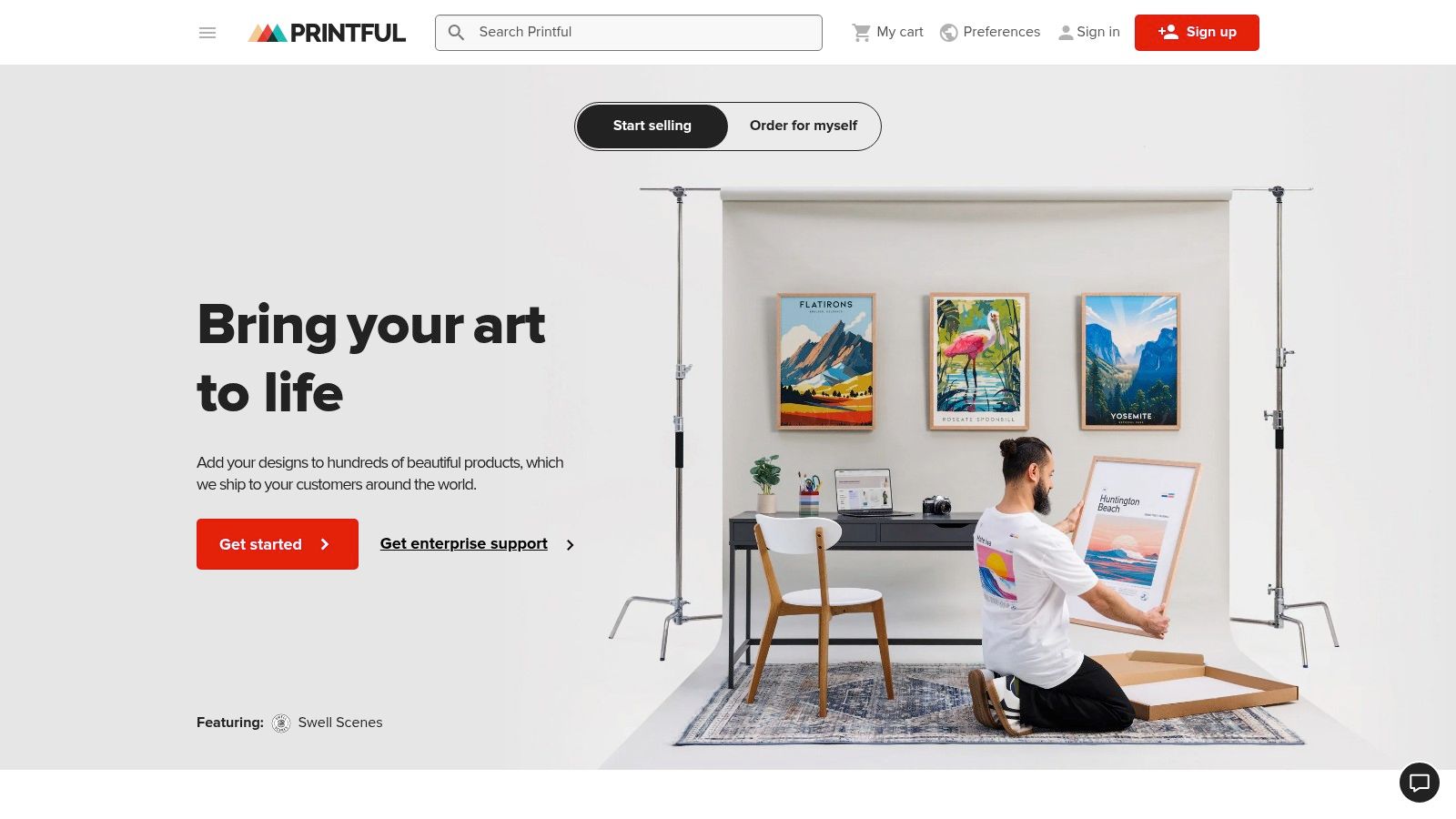
Printful covers the second job in the stack: fulfilment after an order. You create products, connect a store, and orders flow through for printing and shipping without you touching a blank.
Its in-house production and integrations with more than 20 ecommerce platforms and marketplaces remove a lot of setup friction. Running production under one roof keeps quality more predictable than a network of independent printers, though you give up the ability to shop providers on price. For a plain-language refresher on the order flow, this guide on how print on demand works from order to delivery lays out the handoffs clearly.
Costs to watch
- Free to start: No monthly fee is required to open an account and connect a store.
- Paid plan: An optional monthly plan lowers per-order costs and adds perks, and the fee can drop away once your annual sales reach a qualifying volume, subject to plan terms.
- Per-order costs: Product, shipping, and some branding costs are extra, and you pay them when orders come in.
That last point is the part new sellers underestimate. You need working capital between a customer's payment and your fulfilment bill, especially if a platform holds funds for a few days. A store doing steady volume on the free tier is often better off than a newer store paying monthly for discounts it can't yet use.
Pros: Clean Etsy connection, product creation and fulfilment in one dashboard, and sample and branding options as you grow. Cons: It's fulfilment, not a marketplace. Nobody finds your products because Printful printed them, and the better discounts sit behind a paid plan.
I'd choose it when consistency matters more than squeezing the last cent from every blank. I'd look elsewhere if provider choice and cost comparison are your main game.
3. Printify
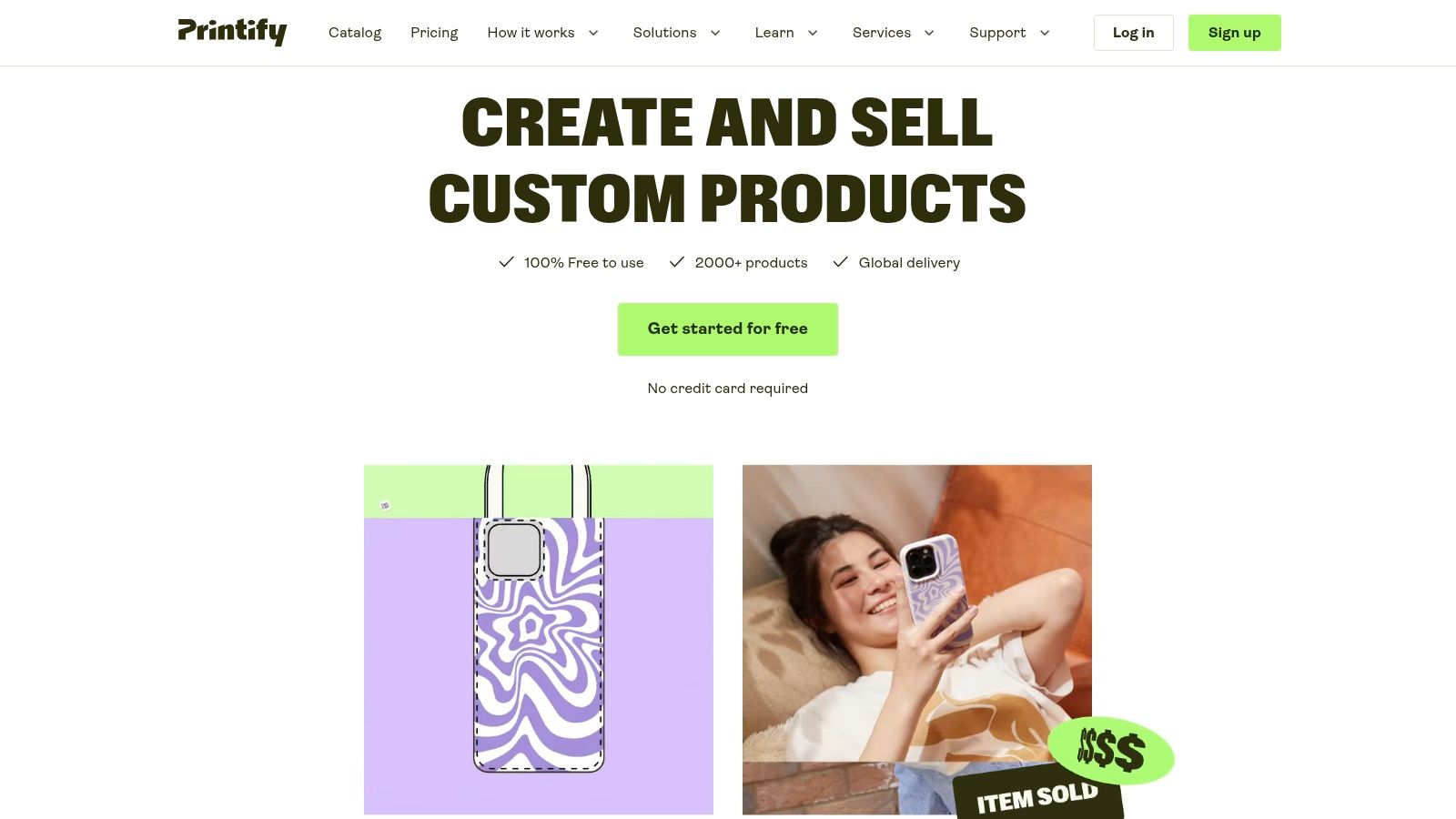
Printify takes the opposite approach to Printful. Rather than one in-house network, it routes orders through independent print providers and lets you compare them side by side.
That choice is its strength and its workload. Two providers can list a similar tee at different base costs, different shipping rates, and different delivery times. A lower base cost can lose to a higher one once shipping lands, so comparing on product price alone leads to wrong picks.
Where it fits
The catalog is one of the broadest in print on demand, which makes it useful for testing products beyond standard apparel. Store integrations and manual order tools are included, and there is a free plan to start with. Paid tiers add more stores and advertised product discounts; check Printify's current pricing and plan limits on its site before you commit.
If you're planning to connect your own systems later, this overview of print on demand API options and integration patterns is worth reading before you lock in a workflow.
- Free plan: Available to start, with provider comparison built in.
- Paid tiers: More stores and product discounts, with exact limits on Printify's pricing page.
Pros: Real provider choice, broad catalog, and room to experiment. Cons: Print quality and the fulfilment experience can vary by provider and item, so you're judging a specific printer rather than an average.
My honest rule is simple. Order the exact product from the exact provider you plan to sell through. A good sample from Provider A tells you nothing about Provider B, and swapping providers later means re-testing everything you thought you knew.
4. Gelato
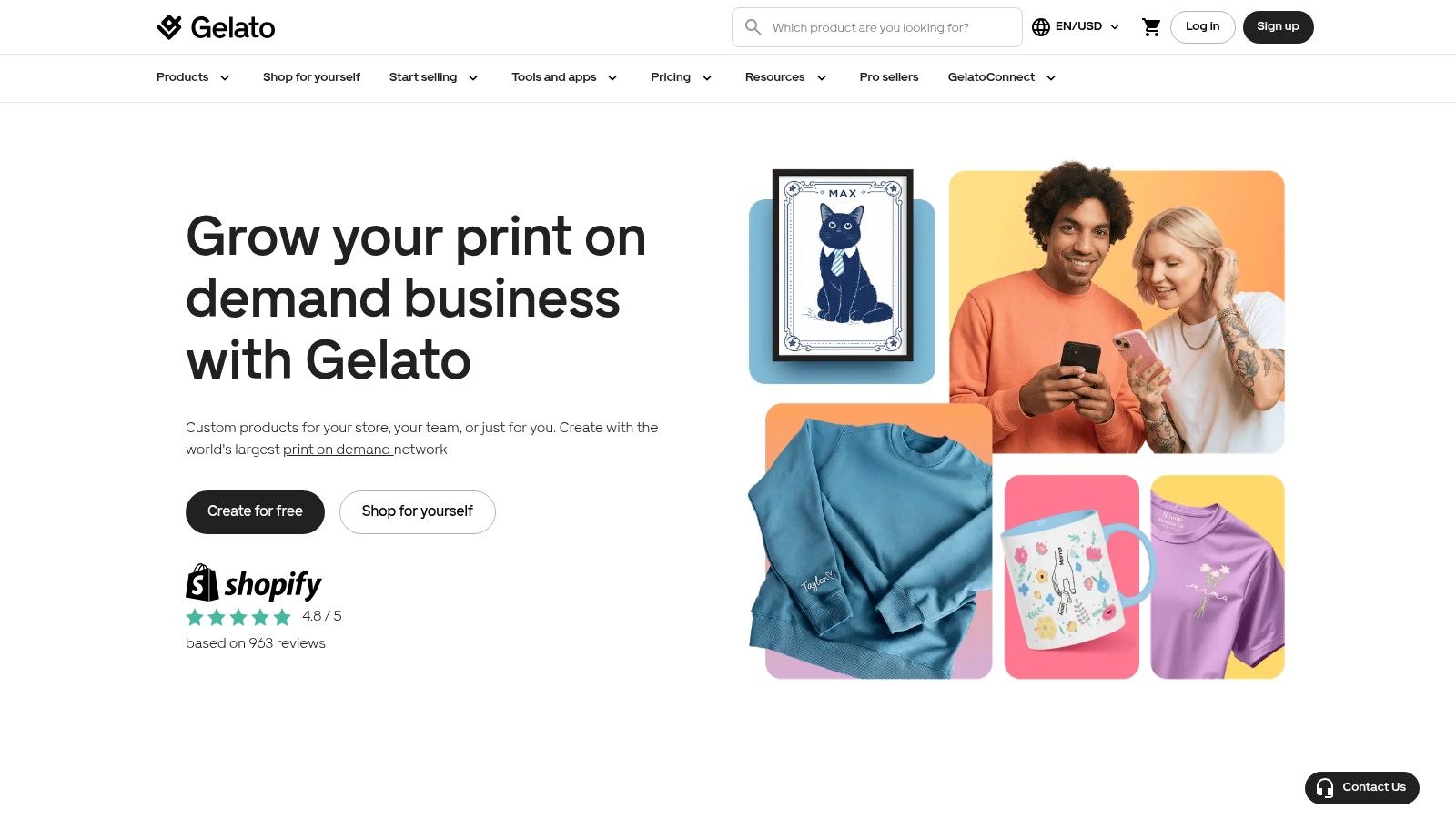
Gelato belongs in the fulfilment slot. Its pitch is order routing through a distributed production network, so the decision is about where an item is made and how far it travels after checkout.
On Gelato's site, the network is listed as spanning 33 countries, and Gelato+ is listed at $239.88 per year, equivalent to $19.99 per month. Integrations cover Etsy, Shopify, WooCommerce, Wix, and BigCommerce, so the usual store setups are covered. Treat the paid tier as a margin decision: confirm its current inclusions against your order volume before paying.
Catalog and pricing
The catalog goes past apparel into wall art, calendars, cards, drinkware, and accessories. That mix matters if your store sells paper goods or prints alongside clothing, because production location can change both delivery time and landed cost by destination.
- Free account: No setup fee and no minimum order requirement.
- Per-order costs: You pay for products and shipping when orders are placed.
- Gelato+: Paid plan for stores whose volume justifies it; verify inclusions before upgrading.
Pros: Localised production can help international orders, and the free entry point is clean. Cons: Production options and delivery costs depend on product and destination, so margins shift by country.
Price your two or three most likely destinations before listing worldwide. A product that clears its margin domestically can still lose money once it is produced and shipped somewhere else.
5. Gooten
Gooten is a fulfilment platform aimed at ecommerce businesses that want order automation without buying inventory first. It suits smaller merchants, and also businesses with more customised order-processing needs.
The catalog covers more than 500 products, including apparel, wall art, drinkware, home products, and accessories. That's more curated than some larger catalogs. For some sellers that's a relief, because you spend less time comparing near-identical blanks.
The technical angle
Gooten offers store integrations plus custom API options for personalized workflows. If you have a developer, or you're comfortable with API documentation yourself, that flexibility is the main reason to look here. Multiple production methods are available across the range.
If you don't need that control, it becomes another fulfilment option among several. There's nothing wrong with that, but the API is the differentiator I would test.
- Pricing visibility: Product and printing prices are available through the platform.
- Variable costs: Shipping and taxes can depend on the order.
- No upfront stock: You don't buy inventory before selling.
Pros: Flexible workflows, products beyond basic apparel, and no stock purchase required. Cons: You need to confirm your specific store setup is supported, and check product and shipping costs per item and destination.
The smaller catalog only matters if you're constantly testing new product types. If you sell a steady range, 500 options is plenty.
6. Prodigi
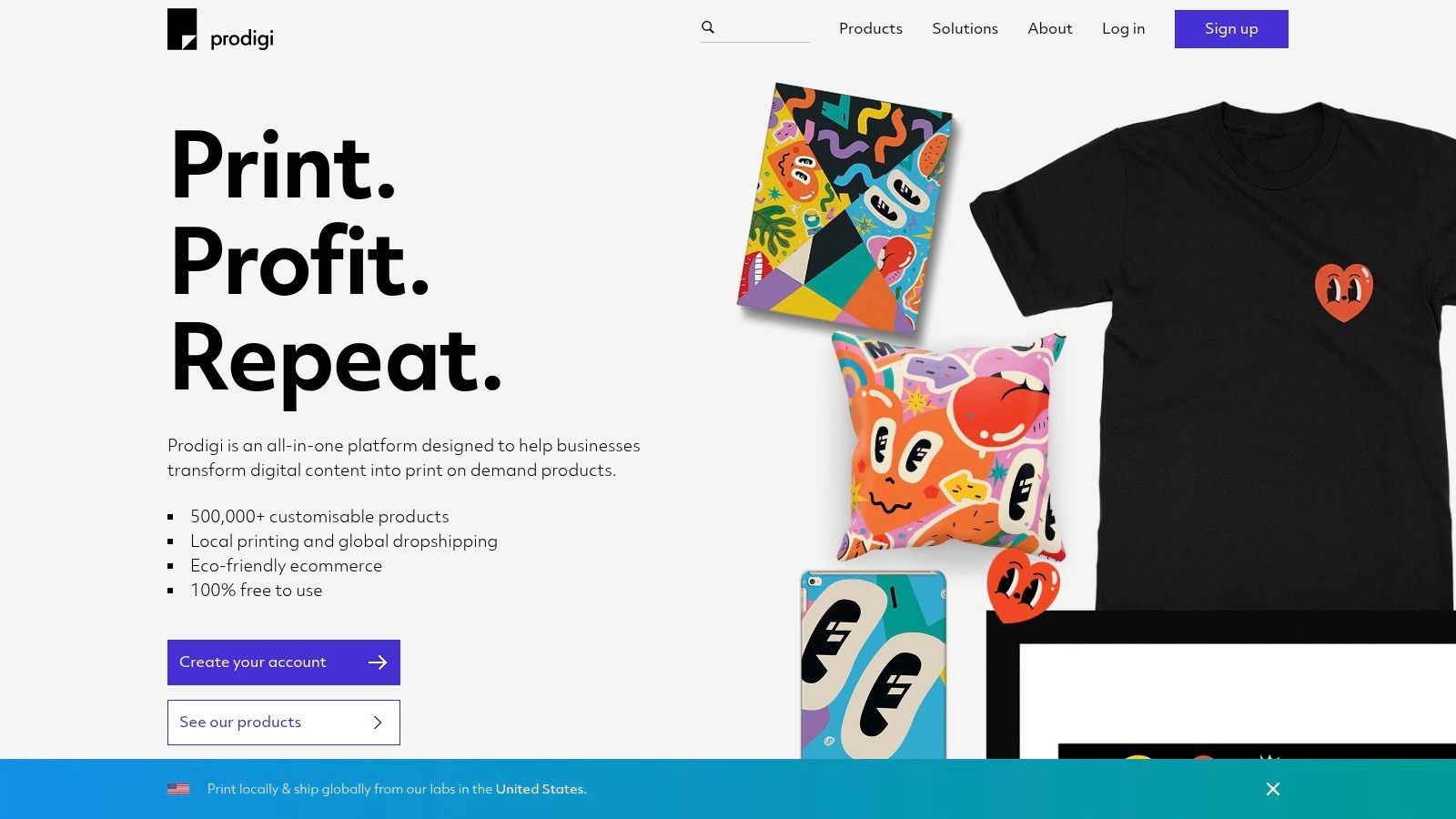
I'd look at Prodigi first if your business is art-led rather than slogan-led. The range leans toward art prints, posters, framed prints, canvases, stationery, and home products, with apparel and merchandise alongside.
Sellers can connect stores on Etsy, Shopify, WooCommerce, Wix, and Squarespace. Global fulfilment and white-label packaging mean the parcel doesn't carry someone else's branding into your customer's home.
Ordering options
- Print API: For custom automated workflows.
- Manual order form: Useful for one-off or low-volume orders.
- CSV bulk orders: A practical middle ground when volume grows before full automation does.
That spread is sensible. Not every seller needs an API on day one, and a manual form still has value when you're sending a replacement or a gift order.
A free account is available, and you pay product and fulfilment costs per order. Pricing and shipping tools help compare destinations, though full catalog pricing is accessed through an account or those tools.
Pros: No subscription needed for the basic service, several automation levels, and a strong fit for wall decor. Cons: Costs vary by destination, and a paid Pro plan may not make sense at very low volumes.
For framed work especially, check your shipping cost to your furthest common market before you set a price. Frames punish vague pricing.
7. Apliiq
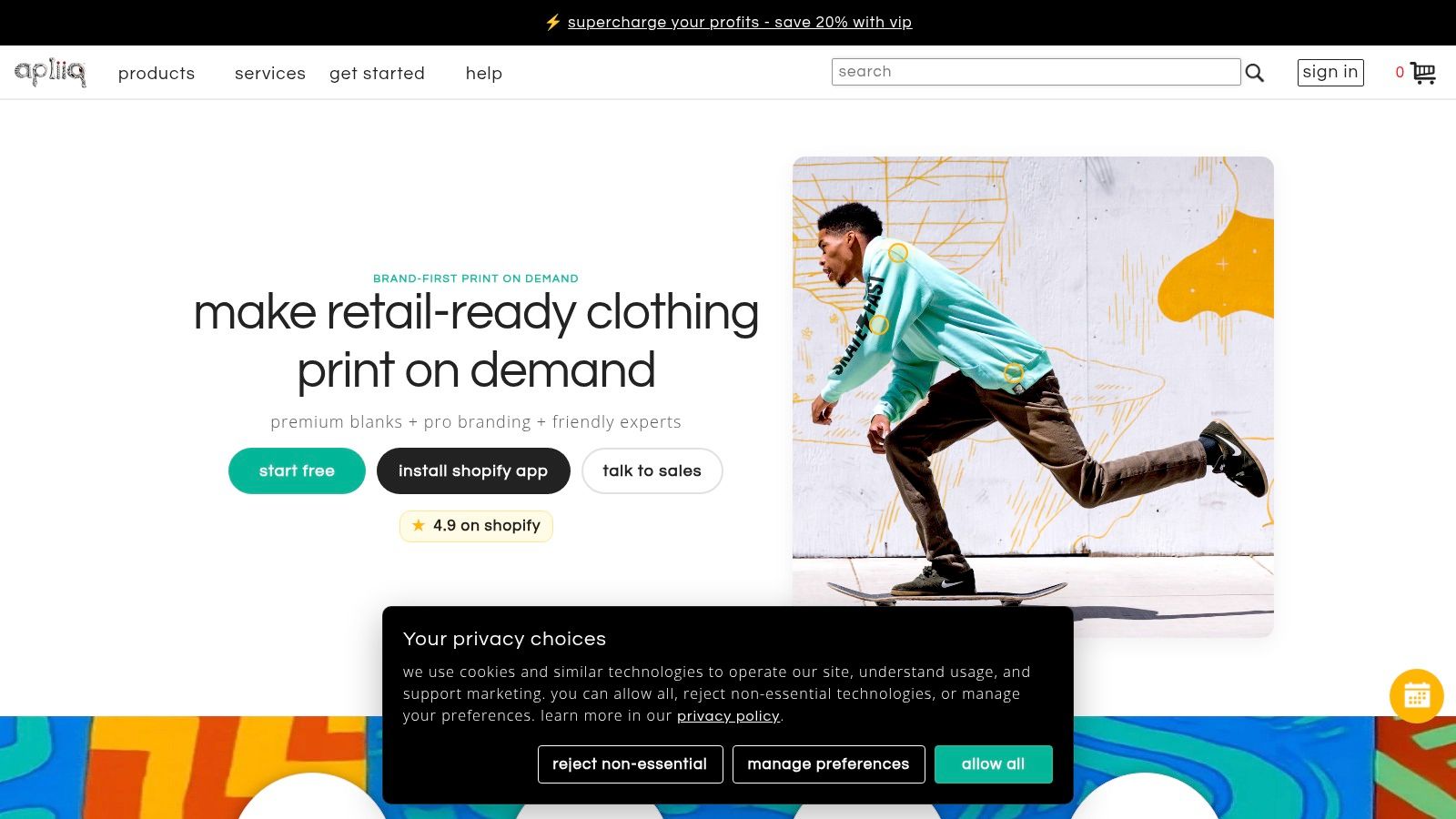
Apliiq is the specialist here. It focuses on apparel, including clothing, embroidery, private labels, and branding options, so products can feel like a clothing line rather than generic merchandise with a graphic dropped on top.
The catalog covers tees, hoodies, hats, and outerwear. Support includes Shopify, WooCommerce, Etsy, manual orders, and API workflows, and it's free to start with costs paid per order.
Where the money goes
Practical rule: Branding only pays for itself when your customer notices it. A private label on a giftable hoodie can be worth the extra cost. On a one-joke impulse tee, it usually isn't.
- No minimums: Advertised for its print on demand offer.
- Product-specific costs: You can explore costs before selecting styles.
- Customisation premium: Extra branding steps increase what each order costs you.
Pros: Apparel branding beyond a basic merchandise workflow, plus print and embroidery in one place. Cons: The apparel focus limits sellers who want a broad home-goods catalog, and production time and shipping vary by item and method.
I'd use Apliiq when the garment itself is part of the pitch, a streetwear label or a team brand, for example. If buyers only care about the artwork, a simpler fulfilment setup will probably serve you just as well for less.
8. Fourthwall
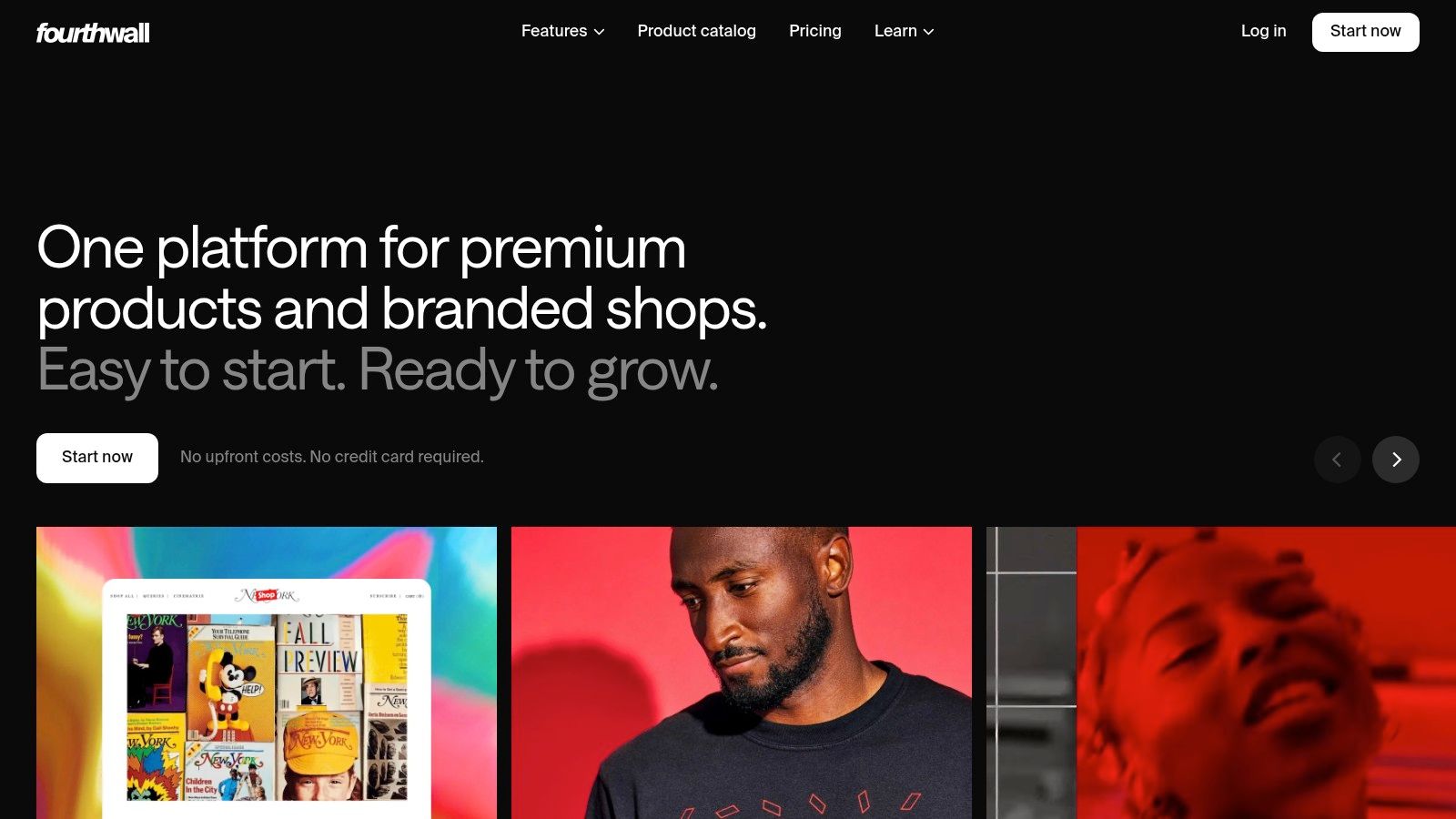
Fourthwall combines fulfilment with a no-code storefront, aimed at creators, small businesses, and organisations that already have an audience. That last phrase is the whole story.
You set prices and choose catalog products. Fourthwall handles fulfilment and customer support for those products, and it acts as merchant of record for sales taxes, according to Fourthwall. Product costs are displayed and deducted from your selling price.
Fees and fit
The basic print on demand setup has no monthly fee and no upfront inventory purchase. US-based credit card transactions carry a listed processing fee of 2.9% plus $0.30.
- Custom domains: Supported on the storefront.
- Digital products: Available alongside physical merchandise.
- Creator sales tools: Built for audience-led selling rather than marketplace search.
Pros: Storefront and fulfilment together, with taxes and support handled for catalog products. Cons: It's less suited to sellers who want an existing marketplace integration workflow, and shipping rates and delivery windows depend on product and destination.
If you have followers who already trust you, this removes a lot of plumbing. If you have no audience, an empty beautiful storefront is still empty. A marketplace may teach you more, faster.
9. Amazon Merch on Demand
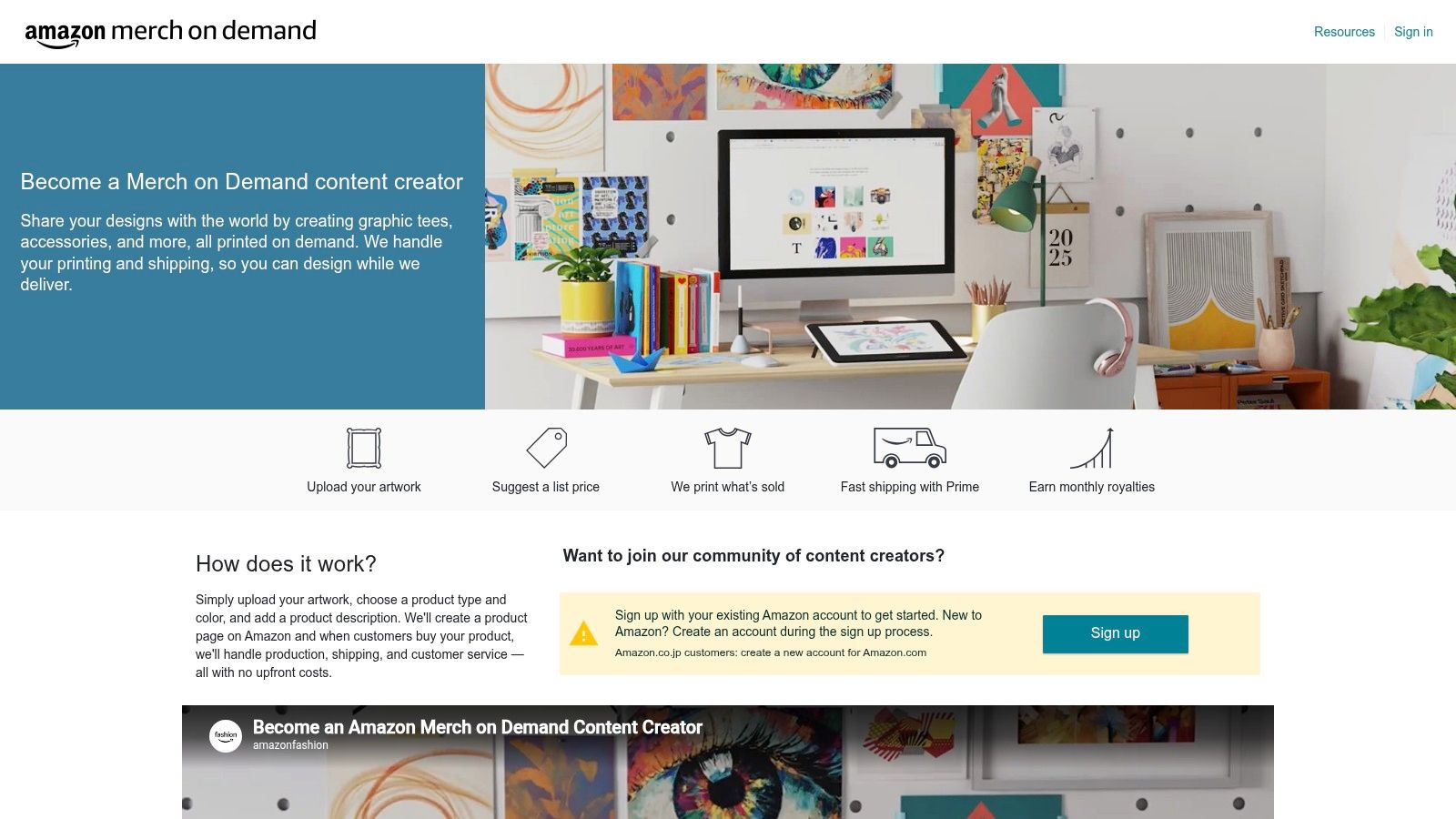
Amazon Merch on Demand isn't print on demand software you connect to a store. It's a programme. Approved creators submit artwork, choose products and pricing, and Amazon creates the listings and manages production, shipping, and customer service.
Access to Amazon product pages is the attraction. This closer look at Merch by Amazon as a print on demand channel explains how the model differs from running your own shop.
The trade
Applying is free, but account access requires approval. No inventory purchase is needed. Royalties are based on the offer price minus applicable taxes and Amazon's costs, under the programme's terms.
- You control: Artwork, product selection, and offer price within programme rules.
- Amazon controls: The page, production, delivery, and the customer relationship.
Pros: Marketplace reach without finding a separate fulfilment provider or buying stock. Cons: You must be accepted, royalties depend on Amazon's cost structure, and you give up storefront control.
It's also why hat sellers comparing routes often ask about minimum orders for branded hats when weighing print on demand against bulk blanks. Merch removes that question entirely, but replaces it with an approval queue and tier limits.
I'd treat it as a channel, not a business you own. Useful, sometimes very useful, but the customer belongs to Amazon.
10. Redbubble
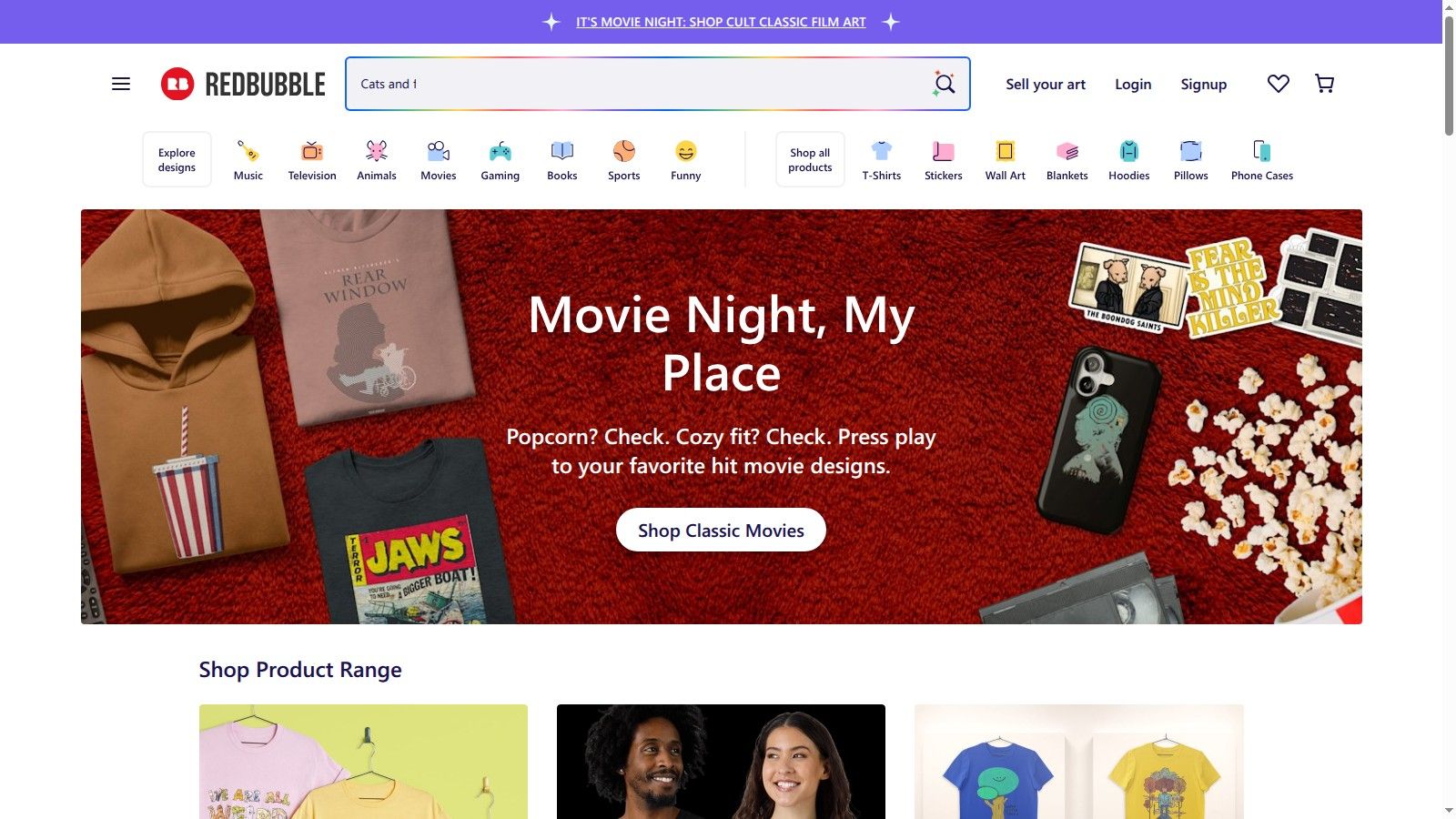
Redbubble is the lowest-friction place on this list to put a design in front of strangers. You upload artwork to a Redbubble shop, choose products, set pricing, and Redbubble handles printing, shipping, and customer service.
No separate store. No fulfilment contract. No sample budget required before your first listing exists.
What to expect
Marketplace browsing can expose designs to customers beyond your own audience. Customer support and anti-piracy features are listed for artist accounts, and global printing and shipping are built in.
- Pricing control: Artists control pricing, within marketplace terms.
- Earnings: Depend on product pricing and current account terms.
- Account tiers: Fees or benefits tied to tiers can affect what you take home.
Pros: Easy way to test artwork across many product types without arranging fulfilment. Cons: Marketplace presence doesn't guarantee visibility or sales, and you get less control over store design and customer data than an independent store gives you.
My calm take is that Redbubble is a fine testing ground and a weak long-term asset. If a design proves itself here, consider taking that evidence to a store you control. Just don't mistake an upload for a distribution strategy.
10 print on demand software tools at a glance
Read this table by job, not by logo. Research tools decide what deserves a listing, fulfillment tools decide who prints and ships after an order, and marketplaces decide where strangers encounter the product. A cheap monthly line can still be expensive if it adds approval delays, weak provider control, or marketplace terms that limit what you keep.
| Tool | Primary job | Starting cost | Free option | Best for |
|---|---|---|---|---|
| Trendlytic | POD niche and trend research with AI tools | 3-day free trial; Pro $49.99/month | 3-day free trial | Sellers validating niches and designs before listing |
| Printful | Print-on-demand production and fulfillment | $0/month; products and shipping cost extra | Free plan | Sellers seeking an integrated fulfillment service |
| Printify | Connect sellers with print providers | $0/month; Premium from $39/month | Free plan | Comparing providers and testing a wide product range |
| Gelato | Distributed print-on-demand fulfillment | $0/month; Gelato+ from $19.99/month, billed annually | Free account | Serving international customers with localized production |
| Gooten | Ecommerce print-on-demand fulfillment | $0/month; product and printing costs apply | No subscription price specified | Businesses needing API-based workflows |
| Prodigi | Global fulfillment for prints and merchandise | $0/month; product and fulfillment costs apply | Free account | Art-print and wall-decor sellers |
| Apliiq | Apparel printing, embroidery, and branding | $0/month; per-order costs apply | Free to start | Sellers building a branded clothing line |
| Fourthwall | Creator storefront and POD fulfillment | $0/month; processing fees apply | Basic POD setup has no monthly fee | Creators selling through their own storefront |
| Amazon Merch on Demand | Marketplace listings and fulfillment | Free to apply; approval required | Free application | Creators seeking access to Amazon's marketplace |
| Redbubble | Artist marketplace and POD fulfillment | $0/month; you set pricing within marketplace terms | Marketplace account; account tiers can affect take-home earnings | Artists seeking a marketplace without managing fulfillment |
How to Pick Your Stack and What I'd Actually Do
If you're a beginner with no audience, I'd start marketplace-first. Apply to Amazon Merch if you'll accept the wait, and use Redbubble to test artwork in the meantime. You learn what strangers click before you pay for a storefront.
If you already have a store, choose fulfilment by catalog and geography, not by brand familiarity. Printful suits sellers who value an in-house setup. Printify suits cost shoppers willing to vet individual providers. Gelato makes sense for international buyers, and Prodigi for prints and wall art.
Apparel brands that want labels and embroidery should look at Apliiq. Creators with an audience should look at Fourthwall. If you're planning to build your DTC tech stack, make that call once traffic exists, not before.
A simple research-before-you-publish workflow
Whatever stack you pick, the order of operations stays the same for me.
- Check demand and competition first: Look at live bestsellers in the niche, not search volume alone.
- Run a trademark check second: Screen the phrase, close variants, and your planned title and tags before designing.
- Mock up and price third: Confirm the design reads well on a real product photo, then price against actual fees.
That fee step isn't optional on Etsy. Etsy's fee basics set a $0.20 listing fee each time an item is published or renewed, plus a 6.5% transaction fee on the total order amount including shipping. Payment processing in the United States adds 3% plus $0.25, as shown on Etsy's seller page. A niche that looks popular can stop looking attractive once those deductions land.
Do the boring checks before the fun artwork. A rejected listing costs you the design time, the listing fee, and sometimes the account.
On the trademark side, go beyond exact matches. USPTO likelihood of confusion guidance recommends evaluating confusing similarity and considering coordinated or related classes, because an exact match on goods isn't required for a conflict.
Trendlytic's free tools, including the Trademark Checker and Mockup Generator, can be tried without an account, which makes them a low-risk way to practice this workflow. You remain responsible for what you publish, whatever any tool tells you. No research tool can promise a sale, and anyone who says otherwise is selling you something other than software.
Start with the research step before your next upload, and let live bestseller data across TeePublic, Amazon Merch, Redbubble, and Etsy tell you whether a niche is worth an evening of design work. The free Trademark Checker, Mockup Generator, and other tools from Trendlytic need no account, so you can check a phrase and preview your artwork today without committing to anything.