T Shirt Design Bundle: How to Build, Package, and Sell
You have a laptop folder full of finished PNGs, an Etsy listing half-written, and a growing suspicion that “commercial use” doesn't answer nearly enough questions. Which files can a buyer upload? Are the slogans safe? Will the artwork print cleanly on dark garments? Can the same design move from Etsy to Redbubble without creating a licensing problem?
A t shirt design bundle works best when you treat it as a small product, not a zip file filled with unrelated artwork. It needs a clear audience, production-ready files, documented rights, useful previews, and enough information for another person to publish confidently. That standard matters in a category with broad demand. A recent industry summary estimates that more than 2 billion T-shirts are sold worldwide each year, and that the category generated over $48 billion in 2025, with graphic-led designs representing the largest commercial segment of custom T-shirt printing revenue worldwide. The history of the T-shirt helps explain why reusable visual concepts can have value beyond one blank garment.
Table of Contents
- What a T Shirt Design Bundle Actually Is
- Preparing Files That Print Clean
- License, Provenance, and Platform Permissions
- Trademark Screening Before You Publish
- Pricing With Platform Fees in Plain Sight
- Packaging the Bundle for Search and Sale
- Your Launch Checklist This Week
What a T Shirt Design Bundle Actually Is
It's Wednesday afternoon. You've exported a set of illustrations, named half the files “final,” and opened an Etsy draft with a title that says something like “Cute Shirt Designs Commercial Use.” The artwork may be attractive, but the product is still undefined. A buyer can't tell who the designs are for, what they're allowed to do with them, or whether the files are ready for production.
A proper bundle answers those questions before purchase. It combines a coherent theme, predictable file preparation, a practical license, repeatable mockups, and delivery instructions. A loose folder might contain appealing graphics, but it leaves the buyer to sort the artwork, inspect resolution, identify missing fonts, and interpret vague usage terms.
The difference between a collection and a product
Suppose one folder contains camping badges, birthday slogans, gothic illustrations, and generic motivational quotes. That may be a large asset library, but it isn't necessarily a useful bundle. The buyer still has to decide which designs belong together, which audiences they serve, and how each one should be adapted.
A stronger product might be a tightly organized collection for outdoorsy adults, seasonal camping events, or minimalist hiking apparel. Each design would share a visual language and arrive with transparent PNG files, editable source artwork where promised, color recommendations, mockups, and a license card. The value comes from reducing decisions, not just increasing the file count.
Practical rule: If you can't describe the audience, theme, production method, and permitted commercial use in one short paragraph, the bundle isn't ready to sell.
This is also why bundle creators should think like shop owners rather than only illustrators. Someone learning to start selling art online needs a repeatable product workflow, not just attractive exports. Before publishing, compare the theme with current marketplace activity through Trendlytic's trending design research, then remove artwork that doesn't support the collection's buyer or use case.
A useful definition
I define a t shirt design bundle as a coherent set of production-ready visual assets for a specific audience or theme, delivered with clear rights, technical specifications, and publishing support.
That definition gives you a filter for every decision:
- Audience: Who is likely to buy or wear these designs?
- Theme: What makes the collection feel connected?
- Production: Which garments, colors, and printing methods can handle the artwork?
- Rights: What can the buyer upload, modify, sell, transfer, or sublicense?
- Delivery: Can the buyer understand the files without contacting you?
A smaller, carefully organized collection can be more commercially useful than a massive mixed folder. The buyer is purchasing confidence and saved production time alongside the artwork.
Preparing Files That Print Clean
A design can look sharp on a large monitor and still lose small text, thin outlines, or halftone detail on fabric. Start with the intended print area and production method, then build files that can survive the actual workflow.
Build at the final print size
Use vector artwork where possible. Vector files retain scalability and make recoloring, spot-color separation, and adaptations easier. For raster elements, work at 300 DPI at the final print size. Keep the background transparent when the artwork will sit directly on a garment.
A 12 by 16 inch print area requires approximately 3600 by 4800 pixels at 300 DPI, according to the Screen Printing Technical Foundation. Screen-printing references recommend up to about 600 DPI for cleaner halftone structures, while apparel halftones commonly run at approximately 35 to 55 LPI.
These settings work together. A practical check is to match mesh count to halftone frequency at roughly 3.5 to 4.5 times the LPI. A mismatch can weaken dots, block shadows, or erase fine texture during production. The right export depends on the intended print process, not just the canvas size.
Separate the files buyers need
A useful bundle includes an editable source file and a flattened production file. Label layered PSD, AI, or SVG files as editable only when their layers, text, and objects can genuinely be changed.
| File Specs by Print Method | Resolution | Color Mode | Recommended Export |
|---|---|---|---|
| Direct-to-garment | 300 DPI at final size | RGB, unless the printer specifies otherwise | Transparent PNG |
| Screen printing | Up to about 600 DPI for halftone work | Spot colors or separated layers | Press-ready PDF, TIFF, or separated source files |
| Vector production | Resolution-independent | Defined spot colors or CMYK as required | AI, EPS, or SVG, plus a production PDF |
| General marketplace upload | 300 DPI at final size | RGB transparent artwork | PNG, with flattened preview |
Printer workflows vary, so include a specification sheet instead of presenting one export as suitable for every provider. List the artwork dimensions, color mode, ink colors, intended garment color, recommended print method, and limits around small details.
Make naming and inspection routine
Consistent naming prevents avoidable production errors. A pattern such as camping-badge-01_light-shirt.png, camping-badge-01_dark-shirt.svg, and camping-badge-01_source.ai tells buyers what each file does before they open every folder.
Inspect each design at 100% scale, then check it on light and dark garment mockups. Review thin strokes, small lettering, transparency edges, and areas where similar colors may merge. A documented quality assurance workflow for design production reinforces the right timing: inspect files before delivery, rather than after a customer reports a failed print.
A strong bundle includes:
- Editable source files: Only when the license and asset dependencies permit editing.
- Flattened production files: Usually transparent PNG, TIFF, or PDF.
- Color variants: Light-garment and dark-garment versions where contrast requires them.
- Specification sheet: Dimensions, color mode, intended garment, and print method.
- License document: Plain-language permissions and restrictions.
- Preview mockups: Enough context for the buyer to judge scale and placement.
License, Provenance, and Platform Permissions
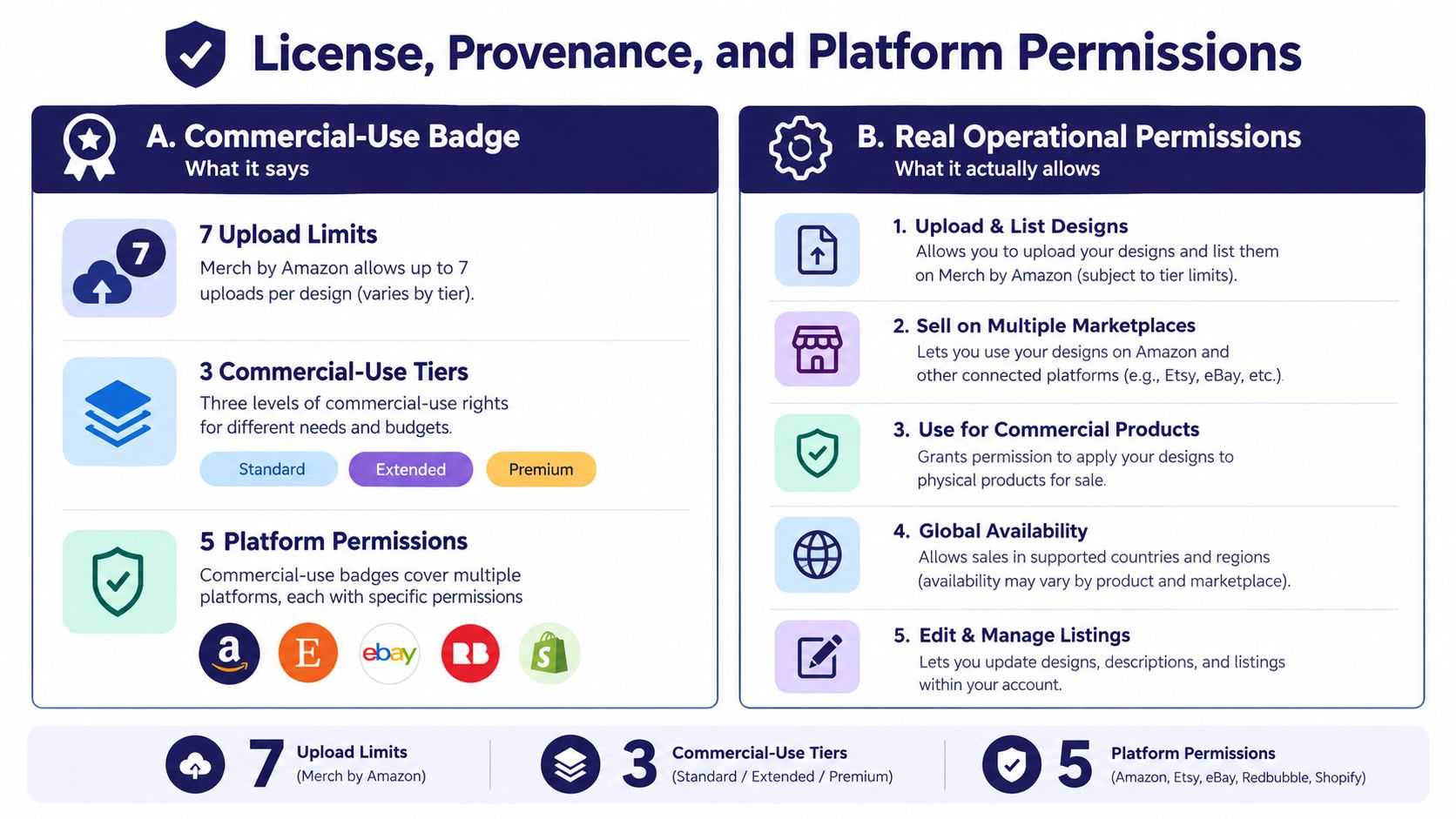
A “commercial use” badge is not a complete license. It may permit physical-product sales while saying nothing about uploads to Merch by Amazon, Etsy, Redbubble, or TeePublic. It may allow edits but prohibit transfers, client work, sublicensing, or the sale of unchanged source files.
The buyer needs operational answers. Can they upload the artwork to a named production platform? Can they sell unlimited physical products? Can an agency use it for a client? Can a customer personalize the wording? Who checks trademark, publicity, character, and logo rights?
Put the permissions in a matrix
A useful license should distinguish between rights rather than collapsing everything into “commercial use.”
| Use case | Allowed | Clarification needed |
|---|---|---|
| Physical shirts sold by the buyer | State yes or no | Include whether sales are limited |
| Etsy listings | State yes or no | Clarify digital and physical products separately |
| Redbubble, TeePublic, or similar platforms | State each platform | Confirm partner uploads are permitted |
| Merch by Amazon | State yes or no | Explain whether the buyer owns upload responsibility |
| Client work | State yes or no | Define whether the client receives a transferred license |
| Editable designs | State yes or no | Identify included source formats |
| Customized customer products | State yes or no | Define whether text and colors may change |
| Sublicensing or resale of source files | Usually restricted | Write the restriction plainly |
Keep provenance records for every design. Record the original creator, source files, fonts, stock elements, licenses for third-party assets, reference material, and the date of your review. A bundle can look original while still containing a font or illustration that doesn't permit merchandise use.
Etsy reported approximately 111,000 alleged infringement reports in 2025, up 30% year over year, alongside roughly 28,000 shop closures for repeat infringement or counterfeiting, according to its 2025 Transparency Report. Those figures make rights documentation a practical business concern, not decorative paperwork.
A larger bundle can create more legal work. Hundreds of loosely sourced designs may be harder to clear than a smaller collection with documented origins.
Write prohibited uses as examples. Say whether buyers may resell the raw files, upload them to an asset marketplace, claim exclusive ownership, use protected names, or create logos from the artwork. The clearer the boundaries, the less likely a buyer is to interpret a broad phrase in a way you never intended.
Trademark Screening Before You Publish
A slogan can look generic and still create a problem on apparel. The relevant question isn't only whether someone has registered the exact phrase. The USPTO explains that likelihood of confusion is the most common reason for refusing trademark registration, and similar marks can conflict even when the wording or goods aren't identical. Its guidance on likelihood of confusion is the right starting point.
Use a repeatable search
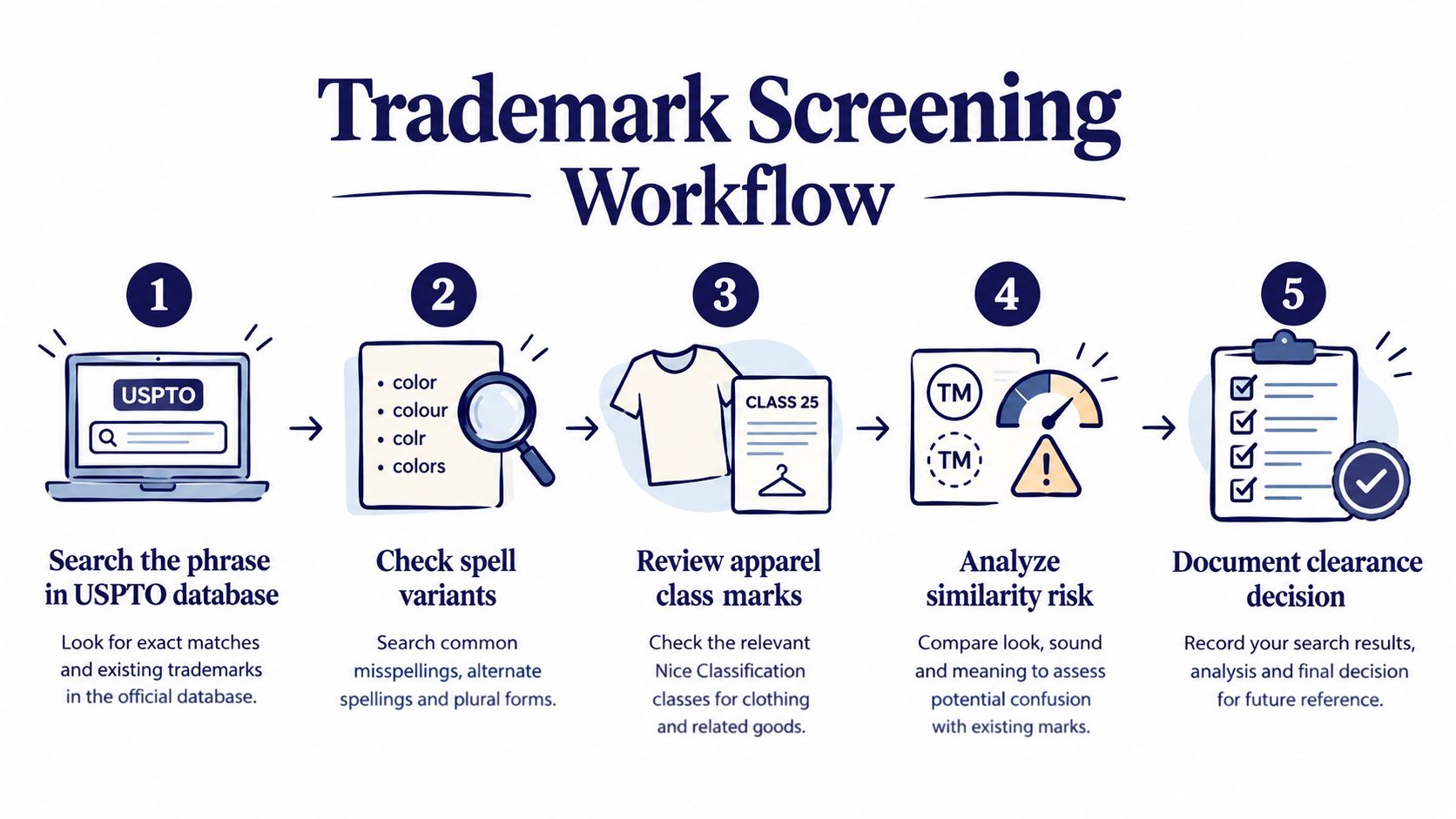
Start with the exact phrase in the federal trademark database. Then search obvious spelling variants, singular and plural forms, punctuation changes, abbreviations, phonetic alternatives, and similar wording.
Next, inspect the goods and services. A phrase used for apparel, accessories, retail services, or related merchandise deserves more attention than a distant result with no meaningful connection to your product. Read the application or registration record rather than relying on a search-result title.
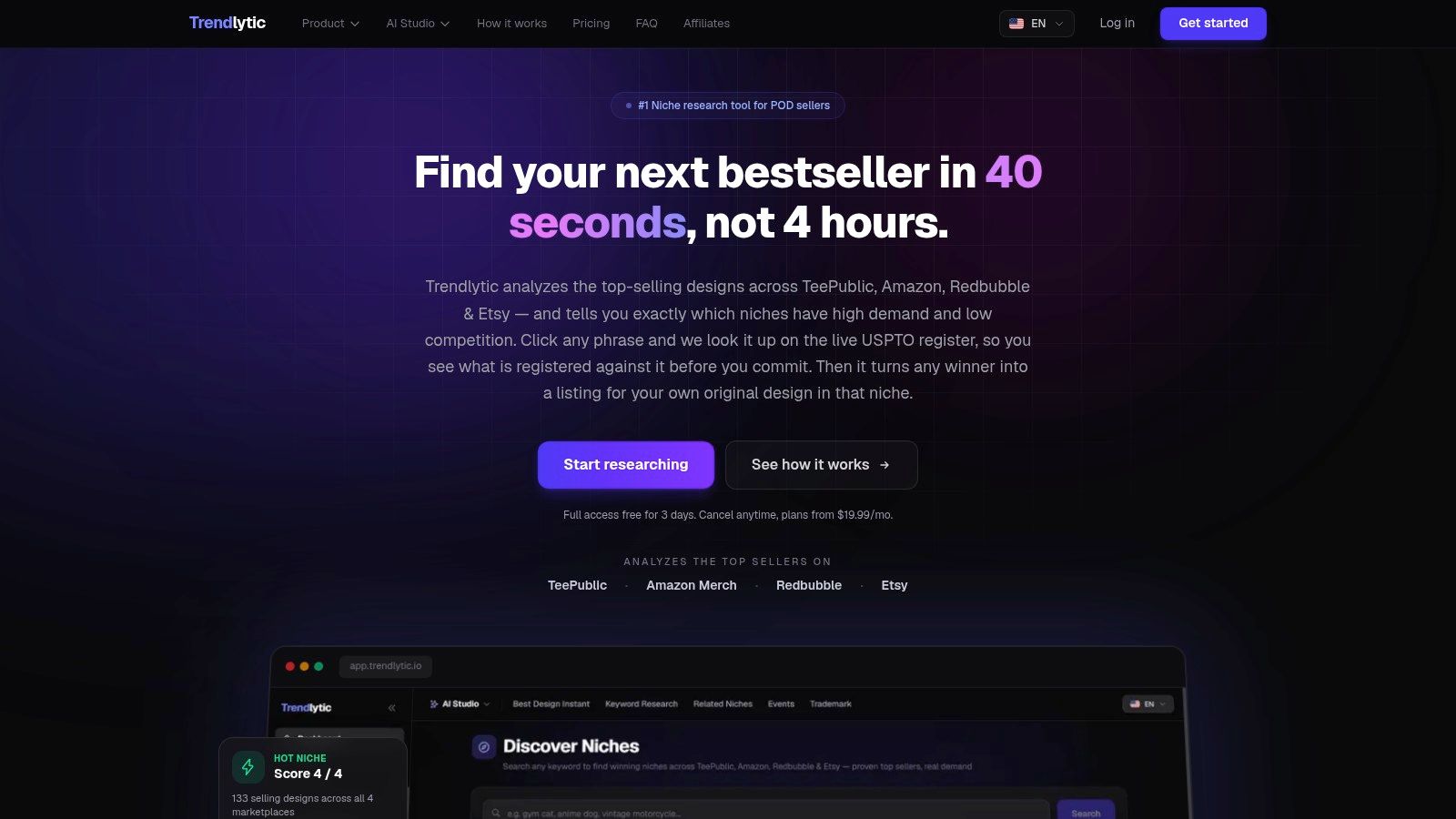
Trendlytic can serve as an initial screening option because its POD research workflow includes a built-in USPTO trademark check covering 850K+ active marks. That first screen can flag ownership and expiry information, but it doesn't replace reviewing the underlying record or obtaining professional legal advice when a phrase matters commercially.
Document the decision
For each slogan or recognizable reference, save the search phrase, date checked, relevant results, goods context, and your decision. “No exact match found” is not the same conclusion as “clear for commercial apparel use.”
Run this checklist before publication:
- Names and slogans: Search exact wording and close variants.
- Characters and fictional references: Treat recognizable characters as high risk.
- Logos and symbols: Check brand identifiers, sports marks, and institutional symbols.
- Public figures: Review publicity-rights concerns in addition to trademarks.
- Sports and universities: Check team names, mascots, chants, and related phrases.
- Pop-culture wording: Don't assume a short phrase is free because it appears everywhere.
If a search produces a close apparel result, pause the listing. Removing one design is cheaper than building a product around wording that later attracts a takedown or dispute.
Pricing With Platform Fees in Plain Sight
A bundle price should reflect the true utility for the buyer, yet your publishing model also requires accurate platform economics. Identical designs generate markedly different results whether you sell a completed shirt on Etsy, license an asset to a client, or upload artwork to a marketplace that computes royalties after deductions.
| Platform Fee Quick Reference | Listing Fee | Transaction / Royalty | Notes |
|---|---|---|---|
| Etsy | $0.20 per listing | 6.5% transaction fee on the full order amount | U.S. Etsy Payments lists 3% plus $0.25 processing per sale |
| Redbubble | No comparable listing fee stated here | Default artist markup is 10% | Artist margin remains after service, shipping, manufacturing, and other deductions |
| TeePublic | Marketplace-specific | Tiered royalty structure | Check the applicable tier and product terms |
| Merch by Amazon | Marketplace-specific | Royalty based on list price minus Amazon's take | Model the actual displayed royalty before publishing |
Etsy's fee schedule states that each listing costs $0.20, remains active for four months or until it sells, and attracts a 6.5% transaction fee on the full order amount, including shipping and gift wrapping when charged. For a $24 shirt with $5 shipping, the transaction fee is calculated on $29, not only the shirt price. U.S. sellers using Etsy Payments also see 3% plus $0.25 payment processing under the listed rate.
A bundle of 20 designs therefore creates $4 in initial Etsy listing fees before any sales occur. Payment-processing rates depend on the seller's bank-account location, so don't apply the U.S. figure globally.
Model margin instead of markup
Redbubble's documentation explains that the artist's markup is applied to a base price, while the actual artist margin is what remains after the platform's service fee, shipping costs, and third-party fulfillment deductions. Its default markup is 10%, but that percentage isn't the same as profit.
For each platform, record:
- Displayed retail price.
- Base price or production cost, when provided.
- Listing, transaction, service, and processing fees.
- Selected markup or royalty.
- Actual payout or artist margin.
- Any refund, currency, or advertising effects that apply.
TeePublic and Merch by Amazon need the same discipline. Don't compare a Redbubble markup directly with an Etsy shirt price or assume a marketplace royalty represents net income. For a design bundle, use the fee model to decide which files deserve broad distribution and which are better reserved for controlled client or shop use.
Packaging the Bundle for Search and Sale
Buyers don't evaluate file count in isolation. They scan the title, preview images, license summary, mockups, and delivery format to decide whether the bundle fits their audience and workflow. Industry research reported that 36% of consumers view personalized products as the default and 48% accept longer waits for customized items, while apparel represented 39.5% of print-on-demand revenue in 2025. That makes audience fit, garment presentation, and customization clarity more useful than a large but confusing asset count. The cited Etsy report provides the underlying figures.
Build the listing around the buyer's decision
Use a title that names the audience, theme, format, and intended use without stuffing unrelated phrases. On Etsy, use all 13 tags only when they describe genuine search intent. TeePublic titles and tags should identify the subject, style, and audience rather than repeat the same keyword in slightly different forms.
A practical listing might clarify that it includes transparent PNG files, editable vector artwork, light and dark garment variants, and a production specification sheet. It should also state whether the artwork is for physical merchandise only or includes other commercial uses.
Keyword research is easier when you map phrases to buyer intent instead of copying broad trend language. SemDash's guide to keyword targeting offers useful context for separating product terms from audience and occasion terms.
Show the artwork in its real context
Use mockups on light and dark garments, vary body types where appropriate, and show close-ups when the design contains small lettering. A transparent-background preview helps buyers judge the artwork itself, while a garment image shows scale and placement. Make sure the thumbnail still communicates the design after cropping.
For delivery, a single ZIP file keeps the download manageable, but it shouldn't be the only explanation. Include a short PDF index, a license card, a folder for source files, a folder for production PNGs, and a folder for mockups. If the files are large or the marketplace makes ZIP handling awkward, offer clearly named individual files as well.
Use the print-on-demand SEO workflow to keep listing language aligned with the actual niche, design subject, and product format. Search visibility can bring a buyer to the page, but clear previews and rights information help them decide whether the bundle is usable.
Your Launch Checklist This Week
A bundle can ship within a week if you stop adding artwork and finish the product around what already exists.
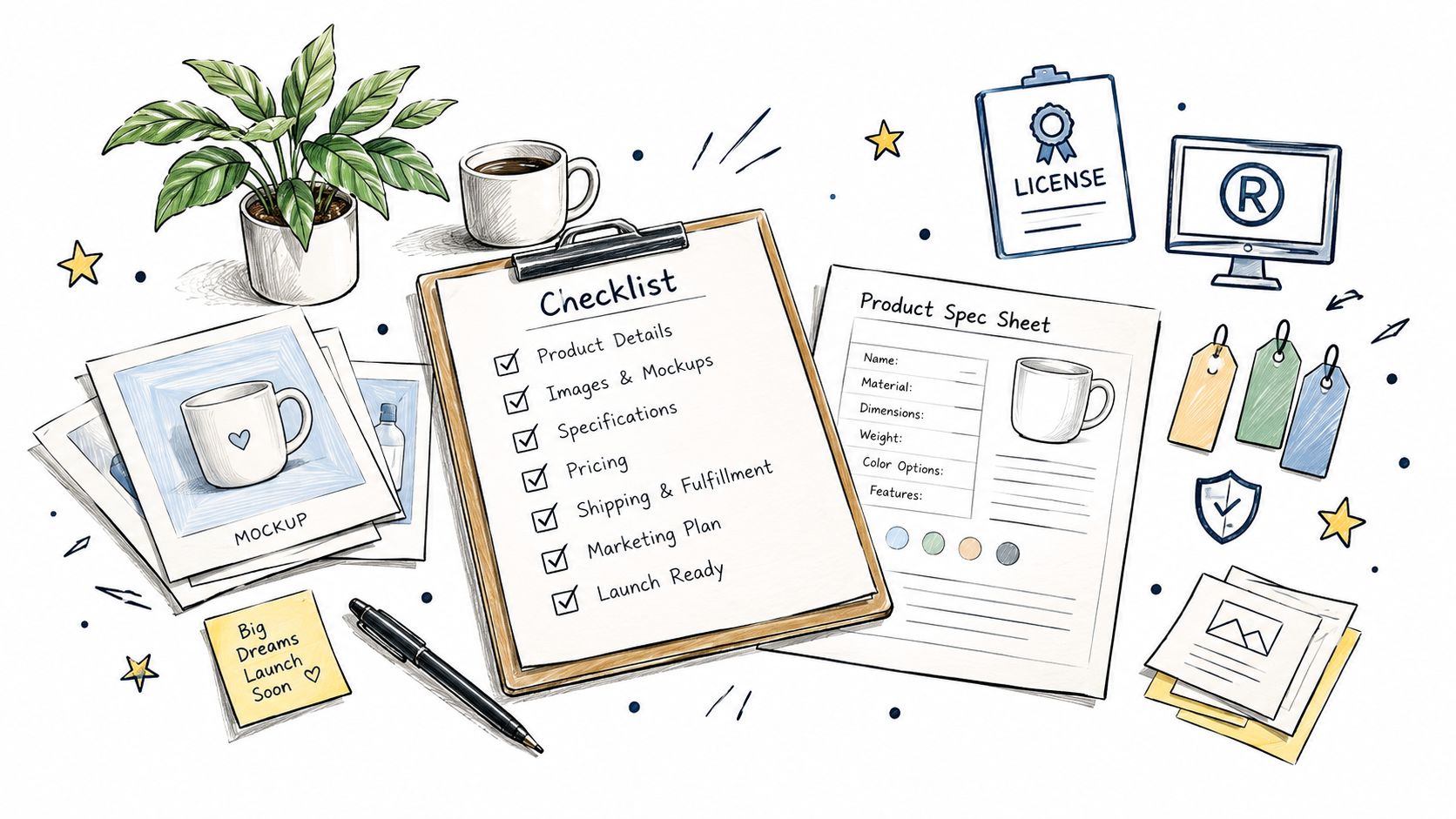
On the first day, choose one audience and remove designs that don't belong. Next, inspect every file at final size, prepare transparent exports, name the folders consistently, and write the specification sheet. Then document the license, provenance, permitted platforms, prohibited uses, and buyer responsibilities.
After that, screen slogans and recognizable references, create light and dark mockups, write the listing title and tags, and calculate fees using the platform where the product will appear. Check the ZIP by opening it as a buyer would, not as the creator who already knows where everything is.
Use the final days to compare the niche against current marketplace demand and related keywords.
Trendlytic offers niche reports across TeePublic, Amazon Merch, Redbubble, and Etsy, along with USPTO trademark screening, ZIP and CSV downloads, and Trending Now rankings. It can help you validate a direction before spending more time expanding a collection, but it won't replace file testing, rights review, or sensible pricing.
If you're preparing a t shirt design bundle, visit Trendlytic to compare live niche signals, screen phrases through its USPTO check, and organize the research behind your next collection. Use the results as a decision aid, then publish only when the files, license, mockups, and margins make sense.